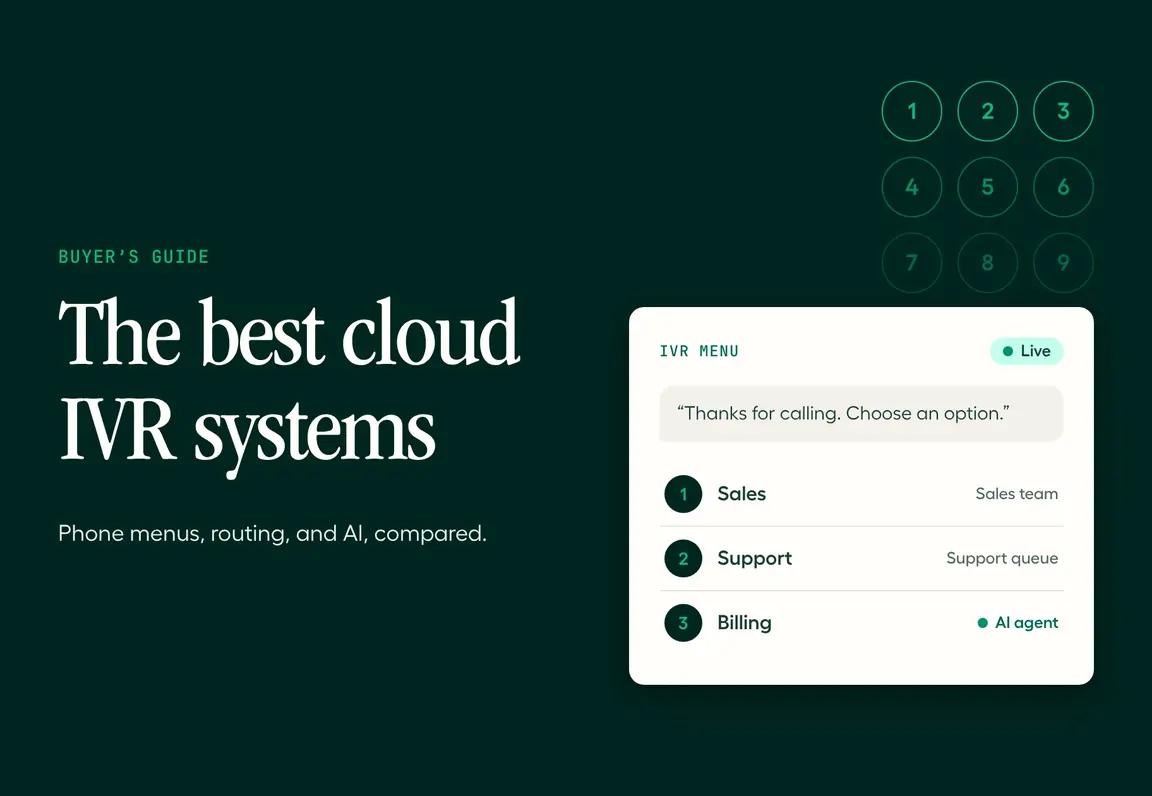
Callers don’t mind a phone menu. They mind a bad one: five options that don’t match their problem, a loop back to the start, then a hold queue anyway. A good cloud IVR system fixes that. It routes each caller to the right team in seconds, handles simple requests on its own and, increasingly, lets callers just say what they need instead of pressing a key.
This guide is based on our own editorial analysis of the cloud IVR market. We assessed each platform’s pricing, documentation and IVR capabilities, then picked the 12 worth shortlisting, with what each one costs, where it falls short and who should skip it. Aircall makes one of them, so every competitor’s pricing comes from that vendor’s own site or a cited third party.
In short: the best cloud IVR solutions
Best overall for sales and support teams: Aircall. A visual, no-code IVR built into the phone system, with AI Voice Agents in the same call flow, from $30 per user a month.
Best for small businesses on a budget: Nextiva and Dialpad, both from $15 per user a month billed annually.
Best for businesses already using a UCaaS suite: RingCentral (from $20 per user a month) and GoTo Connect.
Best for developers: Twilio, with pay-as-you-go calling from $0.0085 per minute.
Best for large contact centers: Five9, Genesys Cloud CX and NiCE CXone, with speech-enabled IVR from $75 per user a month.
Rule of thumb: most businesses don’t need a standalone IVR. Choose a phone system or contact center platform with a strong IVR built in.
Try Aircall's Cloud IVR System
The best cloud IVR solutions at a glance
# | Platform | Best for | IVR highlight | Starting price |
|---|---|---|---|---|
1 | Aircall | Sales and support teams | Visual multi-level IVR plus AI Voice Agents in one call flow | $30 per user a month |
2 | RingCentral | Businesses on a UCaaS suite | Auto attendant across voice, video and messaging | $20 per user a month |
3 | Five9 | Large, regulated contact centers | Speech-recognition IVR and intelligent virtual agents | $159 per seat a month |
4 | Genesys Cloud CX | Enterprise contact centers | Speech-enabled IVR on every plan | $75 per user a month |
5 | Nextiva | Small businesses | Simple IVR included from the entry plan | $15 per user a month |
6 | Dialpad | AI-first phone teams | IVR with AI transcription and summaries | $15 per user a month |
7 | NiCE CXone | Global omnichannel operations | IVR with AI routing and self-service | $110 per seat a month |
8 | Twilio | Developers building custom IVR | Fully programmable IVR | $0.0085 per minute received |
9 | GoTo Connect | Multi-site small businesses | Unlimited auto attendants with a visual dial plan editor | Quote-based |
10 | Zendesk | Support teams on Zendesk | IVR phone tree inside the helpdesk | $115 per seat a month |
11 | CloudTalk | Growing sales teams | Call flow designer with IVR menus | €25 per user a month |
12 | 8x8 | Phone system and contact center in one contract | Multi-level IVR across UCaaS and contact center | Quote-based |
Prices are list prices billed annually, checked in November 2026, before taxes and add-ons.
What is a cloud IVR?
A cloud IVR (interactive voice response) is an automated phone menu that runs on a provider’s servers instead of hardware in your office. Callers press a key or say what they need, and the IVR routes them to the right team, plays information or handles simple requests on its own. Because it lives in the cloud, you build and change menus from a web dashboard, and your team can take the routed calls from anywhere.
How does a cloud IVR work?
Greet the caller: a recorded or text-to-speech greeting plays when the call connects.
Capture the request: the caller presses a key or, with conversational IVR, says what they need.
Apply routing rules: the IVR checks the menu choice, time of day and often CRM data, such as whether the caller is a VIP customer.
Route or resolve: the call goes to the right team or queue, or the IVR handles it with self-service, a callback request or voicemail.
Log the call: the menu path and call details are saved to your phone system and CRM for reporting.
Cloud IVR vs on-premise IVR
Cloud IVR | On-premise IVR | |
|---|---|---|
Upfront cost | None: a monthly subscription | Servers, licenses and installation |
Setup time | Minutes to days | Weeks to months |
Changing menus | Edit from a web dashboard | Often needs IT or the vendor |
Scaling | Add users and numbers instantly | New hardware and capacity planning |
Remote teams | Calls route to any device, anywhere | Tied to the office phone network |
AI and integrations | Native CRM integrations and AI add-ons | Limited, often custom-built |
Traditional IVR vs conversational AI IVR
Traditional IVRs rely on keypad menus: “press 1 for sales, press 2 for support.” Conversational IVRs use speech recognition and language models, so callers can describe their problem in their own words, and the system can answer questions or complete tasks without a person. Most modern platforms now let you combine the two, keeping a short keypad menu for simple choices and handing open-ended calls to an AI voice agent.
How did we choose these cloud IVR solutions?
This list comes from our own editorial analysis. We screened more than 20 IVR and phone platforms, then assessed the shortlist using each vendor’s pricing pages, product documentation and published capabilities. We compared them on:
IVR builder: how easily a non-technical admin can build and change multi-level menus
Routing intelligence: time-based rules, skills-based routing and routing on CRM data
Conversational AI: whether speech recognition or AI agents can handle calls, not only keypad input
Integrations: whether menu choices and call details sync to your CRM or helpdesk
All-in cost: per-user or per-minute pricing, plan minimums and which tier unlocks the IVR
Scale: whether the platform fits a 10-person team, a 500-seat contact center or both
The 12 best cloud IVR solutions in 2026
1. Aircall: best for sales and support teams
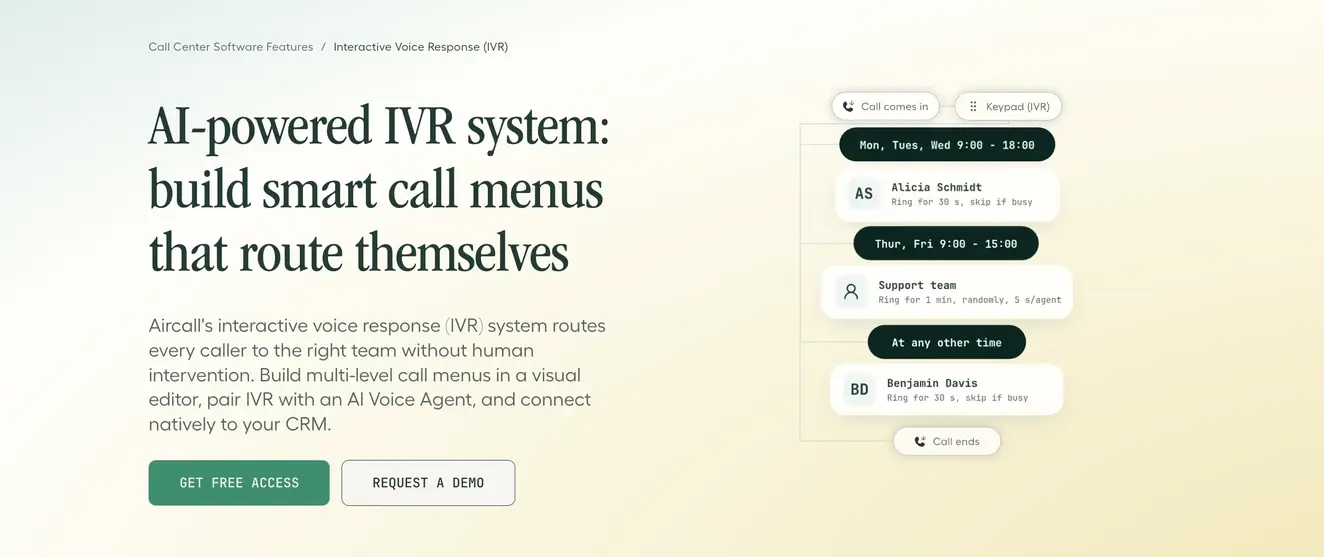
Aircall’s IVR is built into the phone system your team already uses, so building a menu doesn’t mean a separate tool, contract or IT project. Admins drag and drop widgets in a visual call flow editor to create menus, set routing rules and publish changes without code. When a call needs more than a keypad menu, an AI Voice Agent can pick it up in the same flow.
Best for: sales and support teams that want a flexible IVR, CRM integrations and AI without contact center complexity.
What stands out:
A visual, no-code call flow editor with multi-level menus nested as deep as you need
Built-in text-to-speech greetings, or upload or record your own audio
Time-based routing for business hours, holidays and custom schedules
Callback requests: callers press the star key at any point to get a call back instead of waiting
Separate IVR trees for each number, so sales, support and regional lines each get their own flow
The caller’s menu choice is logged and pushed to your CRM, and Insight Cards show the caller’s record before your rep picks up
AI Voice Agents act as first responder, cover overflow and handle after-hours calls inside the same call flow
Proof: “It was really easy to set up an IVR with Aircall. With a phone tree, you could press one to talk to someone about refinancing, press two to talk to someone about new student loans and so on.” CommonBond
Pricing: Essentials is $30 per user a month and Professional is $50 per user a month, billed annually, with a 3-user minimum. AI Voice Agents are included on every plan, with 50 free minutes a month. Routing on live CRM data through the API is available on Professional and Custom plans (Aircall pricing).
Pros:
Fast, no-code IVR setup for non-technical admins
IVR, AI Voice Agents and your team’s calls in one system
250+ native integrations
Cons:
Keypad menus use single-digit input, so very large self-service menus need an AI Voice Agent instead
Advanced CRM-based routing requires the Professional plan
Choose it if: you want a powerful IVR and AI agents without running a full contact center platform.
Skip it if: you need a heavily regulated, 500+ seat contact center with workforce management built in.
Try Aircall's Cloud IVR System
2. RingCentral: best for businesses on a UCaaS suite
RingCentral’s RingEX bundles phone, video meetings and team messaging, with an auto attendant on every plan. It’s a natural fit for businesses that want one vendor for internal and external communications.
Best for: businesses that want IVR as part of a broader unified communications suite.
What stands out:
Auto attendant and call queues on every RingEX plan
An AI Receptionist add-on that answers and routes calls on any phone system
RingCX, a separate AI contact center product for larger support teams
Pricing: RingEX Core is $20 per user a month billed annually ($30 monthly), Advanced is $25 and Ultra is $35. The AI Receptionist add-on starts at $39 a month, and RingCX starts at $65 per user a month.
Pros:
Low entry price for a full UCaaS suite
Strong video and messaging alongside voice
Cons:
Contact center features sit in a separate product, RingCX
Admin settings can feel complex for small teams
Choose it if: you want phone, video and messaging from one provider.
Skip it if: you only need a phone system with IVR and want a simpler admin experience.
3. Five9: best for large, regulated contact centers
Five9 is a cloud contact center platform built for high call volumes, with IVR, intelligent virtual agents and compliance controls for regulated industries such as financial services and healthcare.
Best for: contact centers with hundreds of seats and strict compliance needs.
What stands out:
IVR, ACD and call recording included in every voice seat
IVR with speech recognition as an optional add-on
AI agents and workflow automation on higher plans
Pricing: the Core plan, which includes voice, starts at $159 per seat a month. The Digital plan ($119 per seat) covers digital channels only. Contracts are quote-based.
Pros:
Built for scale and compliance
Deep routing and self-service options
Cons:
Premium pricing and seat-based contracts
Speech-enabled IVR costs extra
Choose it if: you run a large contact center with complex routing and compliance requirements.
Skip it if: you’re a small team that needs an IVR live this week.
4. Genesys Cloud CX: best for enterprise contact centers
Genesys Cloud CX is an enterprise contact center platform with speech-enabled IVR included from its entry tier, plus workforce engagement and journey management on higher plans.
Best for: enterprises that want IVR, omnichannel routing and workforce management in one platform.
What stands out:
Speech-enabled IVR on every plan
Omnichannel routing from the CX 2 tier
Workforce management and AI tools on higher tiers
Pricing: CX 1 (voice) starts at $75 per user a month, CX 2 at $115, CX 3 at $155 and CX 4 at $240, billed annually. AI features use separate token allowances (third-party sources, including Capterra).
Pros:
Speech-enabled IVR without an add-on
Clear, published tier ladder
Cons:
Telecom minutes and AI tokens are billed on top of seat pricing
Implementation usually needs dedicated admin time
Choose it if: you need an enterprise contact center and want IVR included from day one.
Skip it if: you’re under 25 seats and want a simple phone system.
5. Nextiva: best for small businesses
Nextiva combines a business phone system with contact center options, and its entry plan already includes simple IVR, so small teams can set up a phone menu without upgrading.
Best for: small businesses that want a low-cost phone system with a basic IVR.
What stands out:
Smart call routing (simple IVR) on the entry plan
Dial-by-name auto attendant on higher tiers
A contact center option for teams that grow into it

Pricing: NEXT Core is $15 per user a month billed annually, NEXT Engage is $25 and NEXT Scale is $75. Contact center plans start at $75 per user a month, and XBert AI costs $1.50 per conversation.
Pros:
One of the lowest entry prices with IVR included
A clear upgrade path to a contact center
Cons:
The entry IVR is basic; advanced menus need higher tiers
AI is billed per conversation on top of the plan
Choose it if: you’re a small business that wants a simple phone menu at a low price.
Skip it if: you need multi-level menus and CRM-based routing from the start.
Read more: Aircall vs Nextiva
6. Dialpad: best for AI-first phone teams
Dialpad builds AI into its phone system, with real-time transcription and summaries alongside IVR and call routing.
Best for: teams that want AI transcription and coaching built into everyday calls.
What stands out:
IVR and call routing with AI transcription and call summaries
Separate sales and contact center products with live AI coaching
One app for calls, messages and meetings
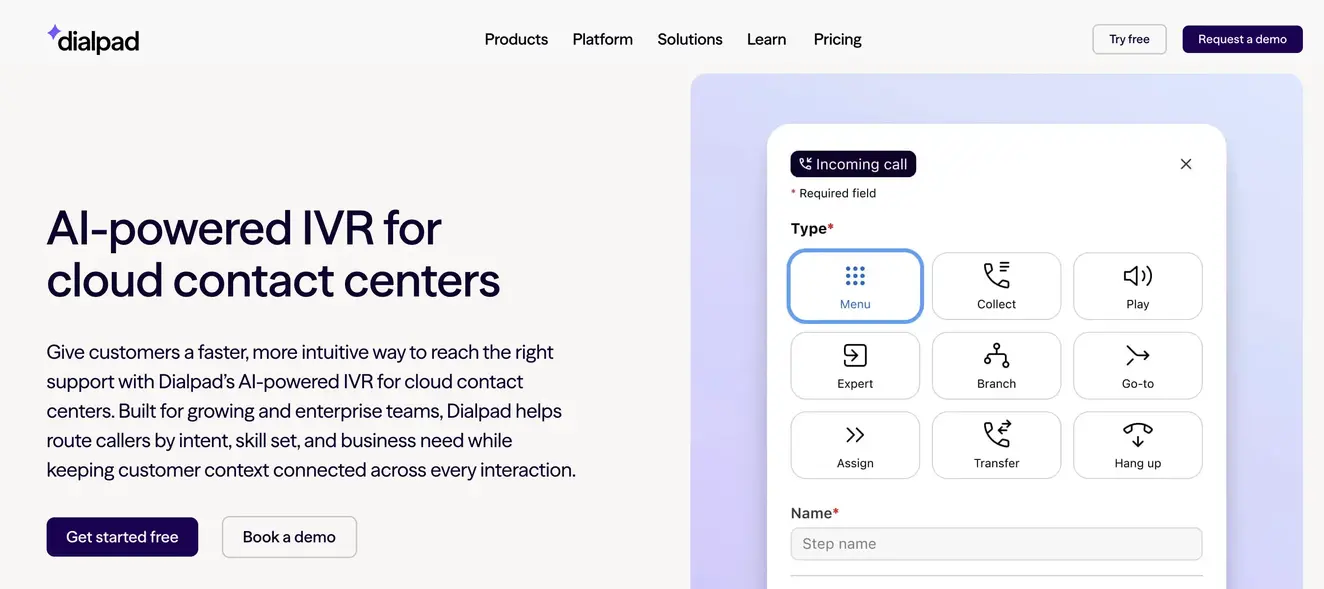
Pricing: the Standard business phone plan is $15 per user a month billed annually. Contact center plans start at $89 per user a month, and sales plans at $39.
Pros:
Low entry price with AI included
Strong transcription and coaching tools
Cons:
Advanced IVR and routing sit in higher-priced products
Three separate product lines can complicate buying
Choose it if: AI transcription and coaching are as important as the IVR.
Skip it if: you want IVR, AI agents and contact center features in one plan.
Read more: Aircall vs Dialpad
7. NiCE CXone: best for global omnichannel operations
NiCE CXone is an enterprise contact center suite with IVR, AI routing and self-service across voice and digital channels, and industry packages for banking and insurance.
Best for: global contact centers running voice and digital channels at scale.
What stands out:
IVR with AI routing and self-service AI agents
Omnichannel suites with recording and compliance tools
Industry-specific packages for regulated sectors
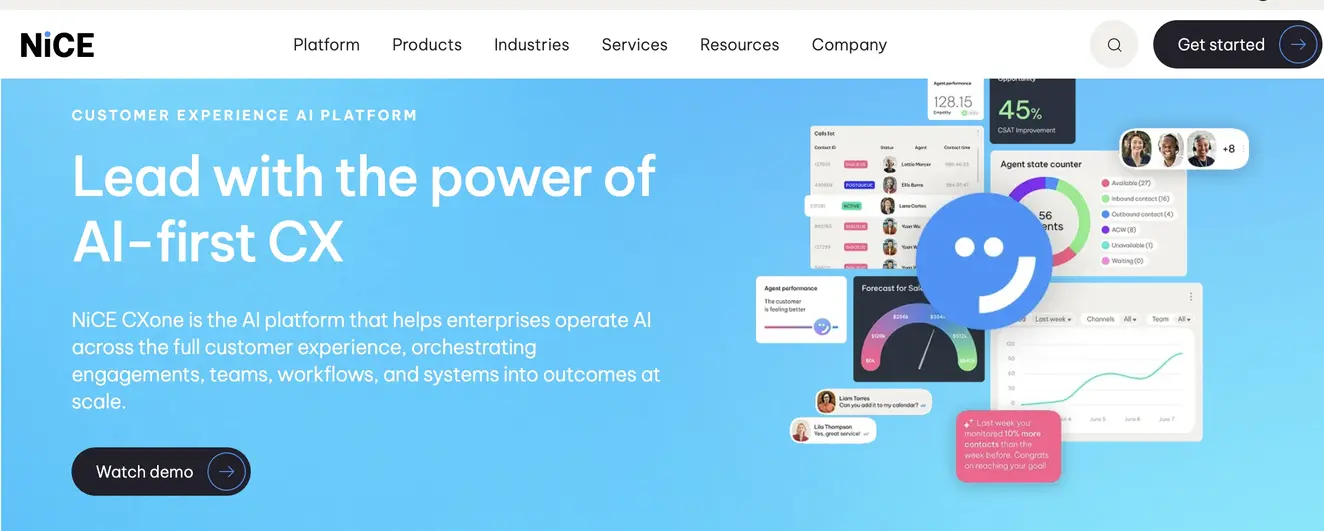
Pricing: the Omnichannel Suite starts at $110 per seat a month, the Essential Suite at $135 and the Core Suite at $169.
Pros:
Broad enterprise feature set
Strong compliance and industry packages
Cons:
High per-seat cost for small teams
Long implementation for complex deployments
Choose it if: you need one platform for global, omnichannel customer service.
Skip it if: you mainly need a phone menu for a small team.
8. Twilio: best for developers building a custom IVR
Twilio isn’t an off-the-shelf IVR. It gives developers the building blocks to create a fully custom IVR in code or with its Studio flow builder, billed by usage.
Best for: engineering teams building an IVR into their own product or a custom contact center.
What stands out:
Fully programmable voice, IVR and AI agent capabilities
Global carrier infrastructure, with phone numbers in over 100 locales
Pay-as-you-go pricing with no seat licenses
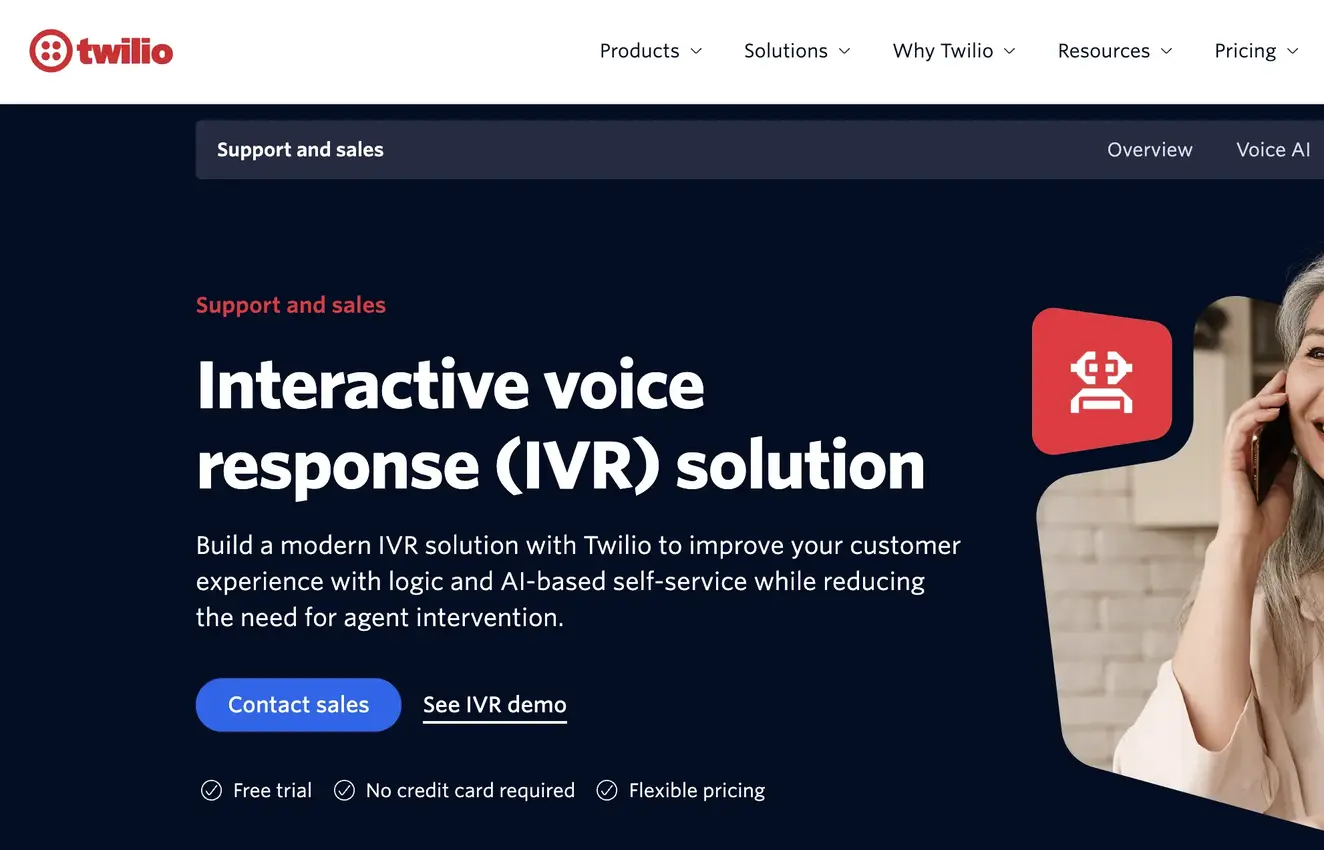
Pricing: US local calls cost $0.0140 per minute to make and $0.0085 per minute to receive. Toll-free calls cost $0.0220 per minute to receive. Local numbers cost $1.15 a month, and new accounts get $15 in trial credit.
Pros:
Unlimited flexibility for custom call flows
Low per-minute costs at scale
Cons:
Requires developers to build and maintain
No built-in team phone app or reporting without extra work
Choose it if: you have engineers and need a custom IVR.
Skip it if: you want an IVR your operations team can change without code.
9. GoTo Connect: best for multi-site small businesses
GoTo Connect offers unlimited auto attendants, ring groups and call queues with a visual dial plan editor, which suits businesses with several locations or departments.
Best for: small and mid-sized businesses with multiple offices.
What stands out:
Unlimited auto attendants and call queues
A visual dial plan editor for menus and business-hours rules
Phone, video and messaging in one platform
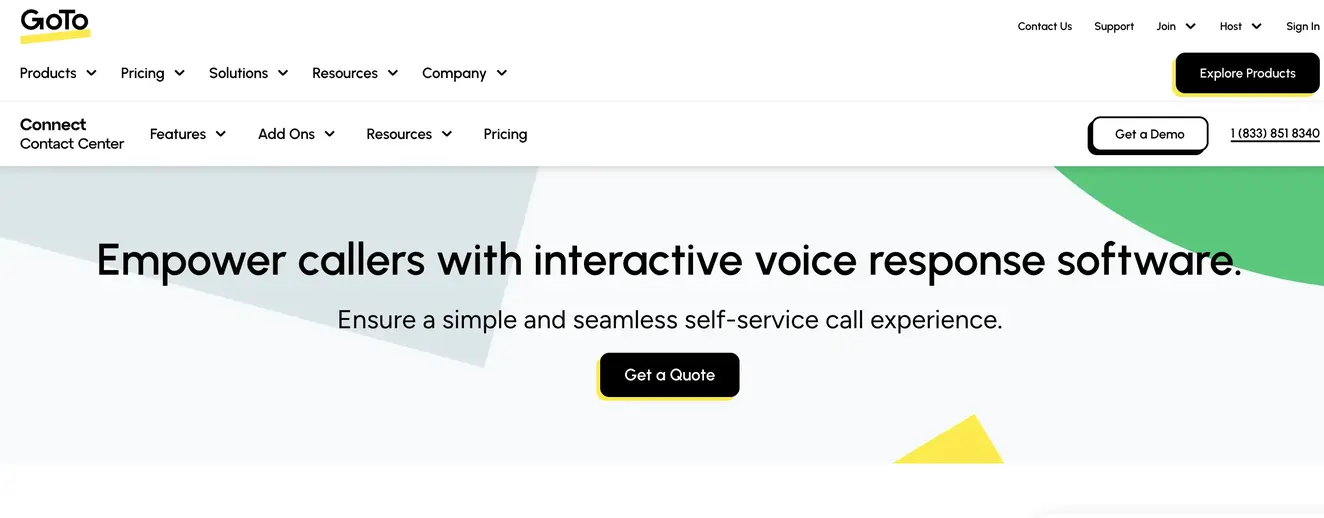
Pricing: quote-based. Third-party sources put the Phone System plan at around $26 per user a month billed annually, with Contact Center at around $80.
Pros:
Generous menu and queue limits
Easy business-hours setup
Cons:
No public pricing
AI features mainly on higher tiers
Choose it if: you need many menus across several locations.
Skip it if: you want transparent, self-serve pricing.
10. Zendesk: best for support teams already on Zendesk
Zendesk’s voice features let support teams build an IVR phone tree inside the same helpdesk they use for tickets, so every call becomes a ticket with full context.
Best for: support teams that run their whole operation in Zendesk.
What stands out:
IVR phone tree with skills-based, overflow and after-hours routing
Calls logged as tickets automatically
AI agents on Suite plans
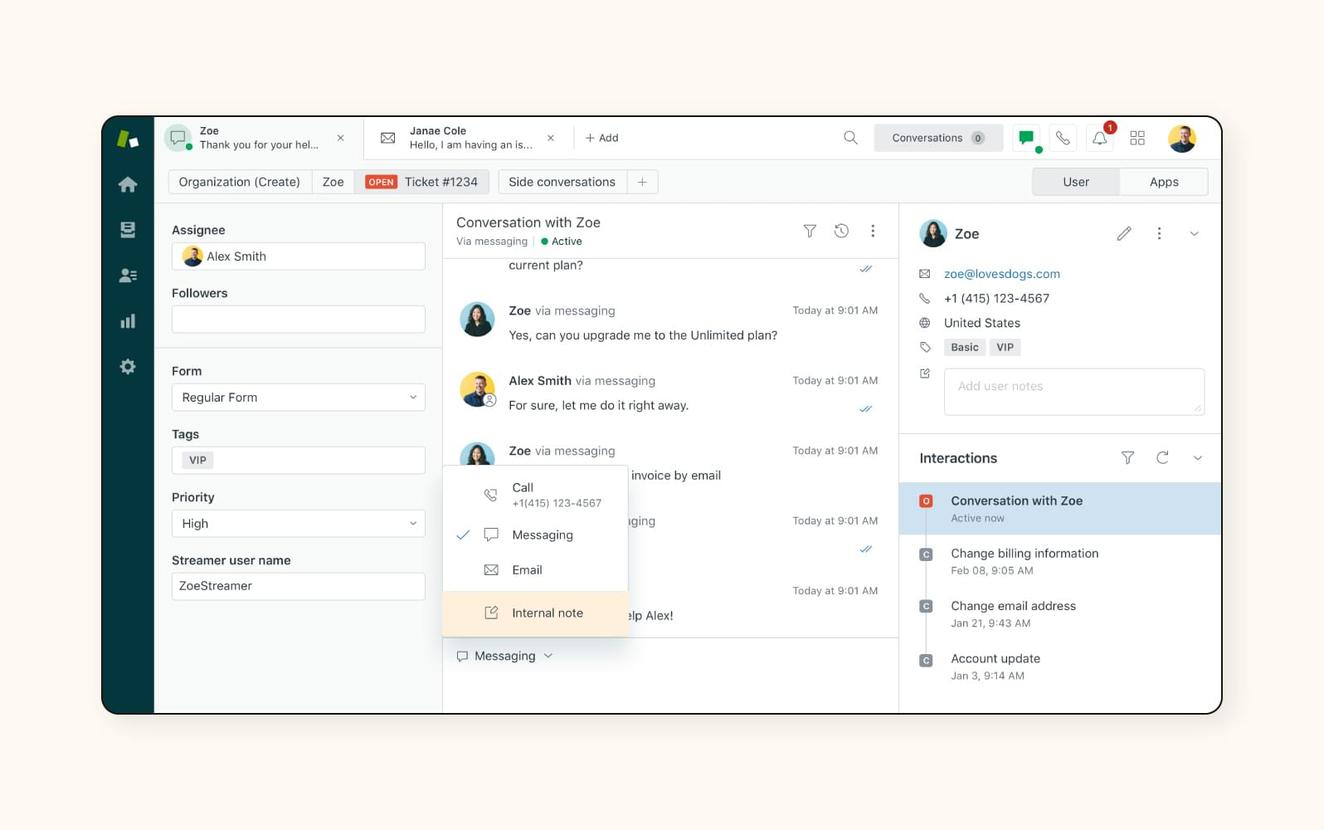
Pricing: the IVR phone tree is included from Suite Professional at $115 per seat a month billed annually. Suite Team starts at $55, and a Contact Center add-on costs $83 per seat.
Pros:
Voice and tickets in one tool
Strong support workflows
Cons:
The IVR requires a higher-tier plan
Built for support, not sales calling
Choose it if: your support team already lives in Zendesk.
Skip it if: you need an IVR for sales and support, or you don’t use Zendesk. Aircall’s Zendesk integration is an alternative that keeps Zendesk as your helpdesk.
11. CloudTalk: best for growing sales teams
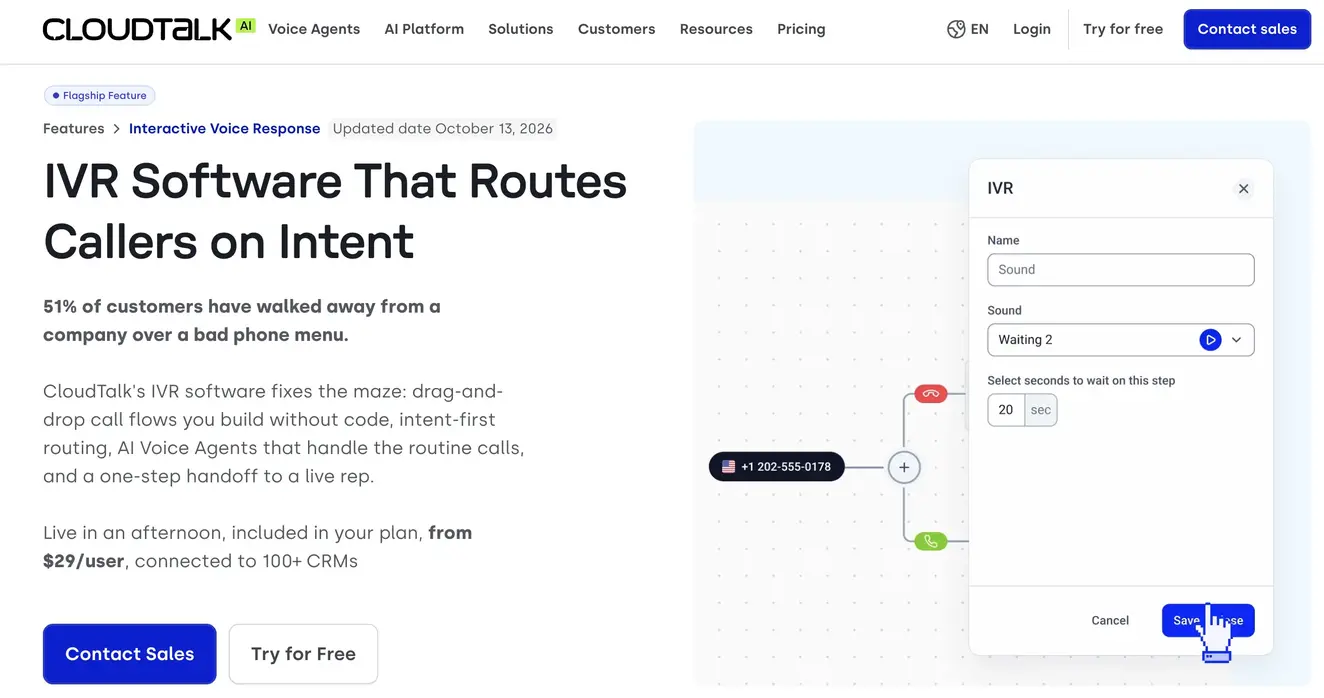
CloudTalk is a cloud phone system for sales and support teams, with a call flow designer, IVR call menus and AI voice agents.
Best for: growing teams that want IVR and outbound calling tools in one app.
What stands out:
A call flow designer with IVR call menus
Local numbers in many countries
AI voice agents as an add-on
Pricing: Starter is €25 per user a month billed annually, Essential €29 and Expert €49. AI voice agents cost €0.50 a minute after 50 free minutes, or from €99 a month for a bundle.
Pros:
Affordable for growing teams
Built-in outbound calling tools
Cons:
AI voice agents are billed separately from user plans
Some routing features sit on higher plans
Choose it if: you run a fast-growing sales team and want calling tools plus IVR.
Skip it if: you need deep enterprise contact center features.
12. 8x8: best for phone system and contact center in one contract
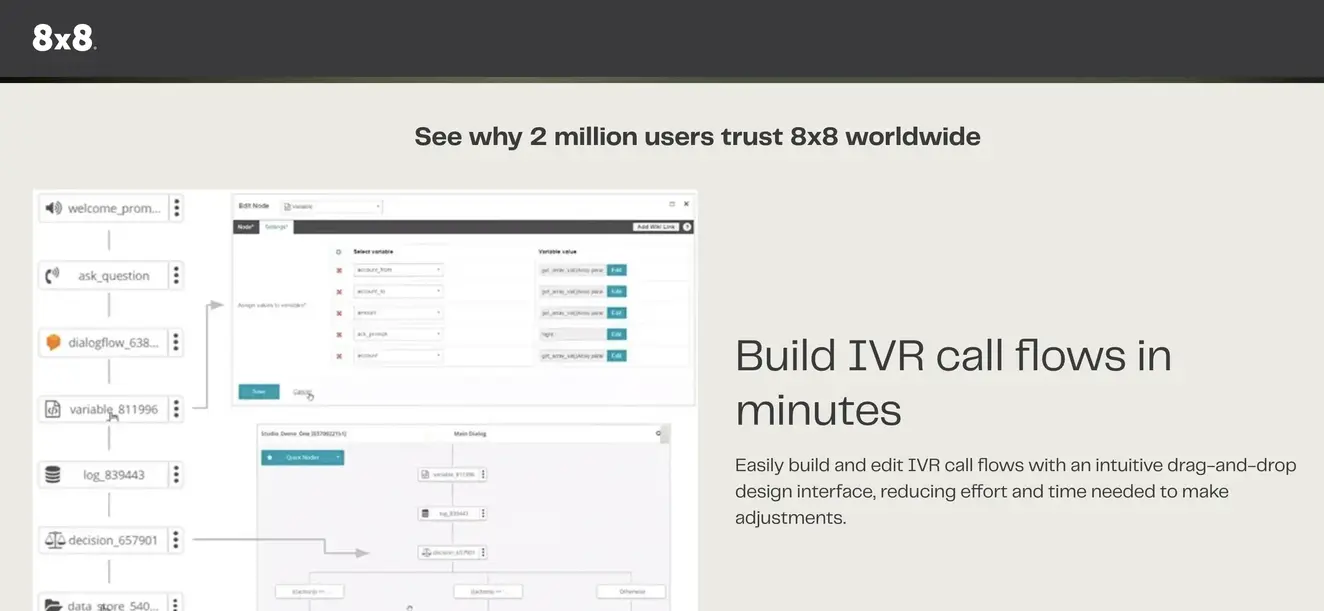
8x8 combines a business phone system and a contact center on one platform, with multi-level IVR across both.
Best for: mid-sized and larger businesses that want UCaaS and contact center from one vendor.
What stands out:
Multi-level IVR across phone and contact center
International calling options
One platform and contract for internal and customer calls
Pricing: quote-based. 8x8 no longer publishes plan prices.
Pros:
One vendor for phones and contact center
Phone and contact center managed in one admin
Cons:
No public pricing
Admin setup is more involved than lighter tools
Choose it if: you want phone and contact center under one contract.
Skip it if: you want to compare prices before talking to sales.
How much does a cloud IVR cost?
Most businesses don’t pay for an IVR on its own. It comes included in a phone system or contact center plan, so the real cost depends on which type of platform you choose:
Business phone systems (Aircall, RingCentral, Nextiva, Dialpad, GoTo Connect, CloudTalk): $15 to $50 per user a month, with IVR included on most plans.
Contact center platforms (Five9, Genesys, NiCE CXone, Zendesk Suite Professional): $75 to $240 per seat a month, with speech-enabled IVR and advanced routing.
Programmable platforms (Twilio): pay per minute, plus the cost of building and maintaining your IVR.
Example: 10 users, billed annually | Monthly cost |
|---|---|
Aircall Essentials | $300 |
Aircall Professional | $500 |
RingCentral RingEX Core | $200 |
Nextiva NEXT Core | $150 |
Genesys Cloud CX 1 | $750 |
Zendesk Suite Professional | $1,150 |
Check which plan unlocks multi-level menus, CRM-based routing and AI, because the entry plan isn’t always enough. Add telecom minutes, extra numbers and AI usage to get the real total.
What features should a cloud IVR system have?
A visual, no-code builder: so your operations team can change menus without IT.
Multi-level menus: to separate sales from support, then billing from technical issues.
Time-based routing: different flows for business hours, holidays and after hours.
Callback requests: so callers can leave the queue without losing their place.
Text-to-speech and custom audio: for professional greetings you can update in minutes.
CRM integration: to log menu choices and route callers based on account data.
Call recording and analytics: to see where callers drop off and which options they pick.
Conversational AI: an AI agent that can answer questions and complete tasks when a keypad menu isn’t enough.
Frequently Asked Questions
What is the best cloud IVR solution in 2026?
Aircall is the best cloud IVR for most sales and support teams in 2026, because it combines a visual, no-code IVR with AI Voice Agents and 250+ integrations in one phone system, from $30 per user a month. Five9, Genesys Cloud CX and NiCE CXone suit large contact centers, Nextiva and Dialpad suit small budgets, and Twilio suits developers.
What is the difference between IVR and an auto attendant?
An auto attendant is a simple phone menu that transfers callers to an extension or department. An IVR does that and more: it can collect information, offer self-service, route on CRM data and, with conversational AI, understand spoken requests. Most cloud phone systems use the terms loosely, so check the features rather than the label.
How much does a cloud IVR system cost?
A cloud IVR usually costs $15 to $50 per user a month as part of a business phone system, or $75 to $240 per seat a month as part of a contact center platform. Aircall starts at $30 per user a month, and developer platforms like Twilio charge per minute instead.
Is a cloud IVR better than an on-premise IVR?
For most businesses, yes. A cloud IVR has no hardware costs, goes live in minutes or days, and can be changed from a dashboard. On-premise IVRs only make sense for organizations with strict requirements to keep all call handling on their own infrastructure.
Can a cloud IVR integrate with my CRM?
Yes. Most cloud IVRs integrate with CRMs and helpdesks such as Salesforce, HubSpot and Zendesk. With Aircall, the menu option a caller selects is pushed to your CRM, and your rep sees the caller’s record before answering.
What is a conversational IVR?
A conversational IVR lets callers speak naturally instead of pressing keys. It uses speech recognition and a language model to understand the request, then routes the call or resolves it. Aircall’s AI Voice Agents work inside the same call flow as your IVR, so you can combine a short keypad menu with AI for open-ended calls.
Will AI voice agents replace IVR menus?
Not entirely. Short keypad menus still work well for simple choices like “sales or support.” AI voice agents are better for open-ended requests, after-hours calls and overflow. Most businesses get the best results using both in one call flow.
How long does it take to set up a cloud IVR?
With a no-code builder like Aircall’s, you can set up a basic IVR in minutes and a multi-level menu in an afternoon. Enterprise contact center IVRs with speech recognition and complex routing can take weeks to implement.
Can I have different IVR menus for different phone numbers?
Yes, on most platforms. With Aircall, each number can run its own IVR tree, so your sales line, support line and regional numbers each get a different call flow.
How do I reduce IVR hang-ups?
Keep the main menu to four options or fewer, put the most common reason for calling first, always offer a way to reach a person, and add callback requests for busy periods. Review IVR analytics regularly to see where callers drop off.
Published on .
Ready to build better conversations?
Simple to set up. Easy to use. Powerful integrations.
Get free access